How to Preserve Family Memories Digitally: A Practical Guide
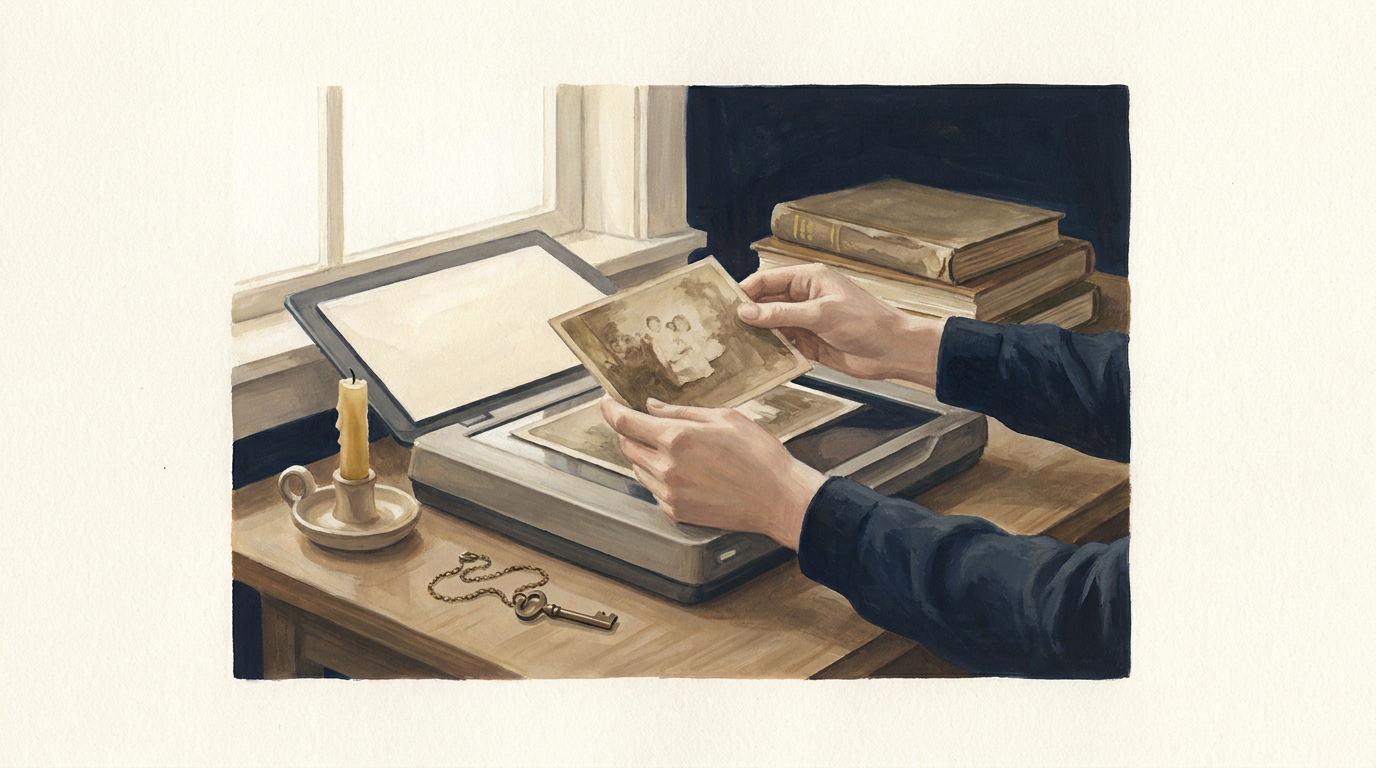
Many of us hold boxes of old photographs, handwritten letters, and home videos, treasures that tell the story of our lives and those who came before us. The question often arises: how do we effectively preserve family memories digitally so they can endure for future generations? This guide offers practical approaches, exploring various formats and longevity considerations to help you safeguard your unique family history.
Why Digital Preservation Matters
Physical heirlooms are vulnerable to decay, disaster, and loss. Paper fades, film degrades, and even carefully stored items can be damaged. Digital formats offer a robust solution, allowing for easy duplication, sharing, and protection against physical damage. By converting your physical archives into digital files, you create a resilient, accessible record that can be enjoyed and passed down through time.
Practical Steps to Digitize Family Photos and Documents
The first step in digital preservation is converting your physical items into digital files. Here's how:
Scanning Photographs and Documents
- Equipment: For most photos and documents, a flatbed scanner offers the best quality. Look for scanners that can handle various sizes and resolutions. Modern smartphone apps can also be surprisingly effective for casual scanning, though dedicated scanners provide superior results.
- Resolution: Aim for at least 300 DPI (dots per inch) for documents and 600 DPI for photographs. Higher resolutions capture more detail, which is crucial if you anticipate needing to print or enlarge images in the future.
- File Formats: Save images as TIFF (Tagged Image File Format) for archiving. TIFFs are uncompressed and retain all original image data, making them ideal for long-term storage. For everyday sharing, you can create JPEG copies from your TIFF masters.
Converting Analog Media (Videos and Audio)
- Video Tapes (VHS, Super 8, etc.): These require specialized equipment for conversion. Many professional services can digitize old video formats into modern digital files like MP4. If you have the right equipment, you can do it yourself using a video capture device connected to your computer.
- Audio Cassettes and Vinyl Records: Similar to video, these can be digitized using specialized audio interfaces and software. Again, professional services are an excellent option for delicate or rare recordings.
Organizing Your Digital Collection
Once digitized, effective organization is key to making your memories accessible. Create a clear, consistent folder structure. For example, organize by year, event, or family branch. Use descriptive file names (e.g., 1985-SummerVacation-GrandmaSarah-Beach.tiff) to make searching easier.
Adding metadata (information embedded in the file, like dates, locations, and names) can further enhance searchability and provide context for future viewers. Many photo organizing software programs allow for easy metadata editing.
Ensuring Longevity: Storage and Backup Strategies
Digital files are not inherently immortal. A robust strategy for storage and backup is essential for successful family memory keeping.
The 3-2-1 Backup Rule
This widely recommended strategy ensures resilience against data loss:
- 3 Copies: Keep at least three copies of your data.
- 2 Different Media Types: Store copies on at least two different types of storage media (e.g., an internal hard drive and an external hard drive).
- 1 Offsite Copy: Keep at least one copy in a different physical location (e.g., cloud storage or a relative's house).
Storage Options
- External Hard Drives: Affordable and offer large storage capacity. Choose reputable brands and consider solid-state drives (SSDs) for better durability and speed.
- Network Attached Storage (NAS): A personal cloud solution that allows you to store files centrally and access them from multiple devices on your home network, often with built-in backup features.
- Cloud Storage Services: Services like Google Drive, Dropbox, or OneDrive offer convenient offsite storage and synchronization across devices. Choose a provider known for strong security and data integrity. For long-term preservation, specialized archival cloud services may offer further benefits.
MemWall provides a secure, dignified platform for storing and sharing memories, offering a unique approach to managing your digital legacy. You can collect family memories together in a private space, ensuring they are preserved and easily accessible for those you choose.
Creating a Digital Legacy Plan
Beyond just storing files, consider how these memories will be accessed and understood by future generations. A digital legacy plan outlines who can access your digital assets and under what circumstances. This might include instructions for your online accounts, digital photo albums, and even messages and time capsules for the future.
Platforms like MemWall allow you to create a lasting memorial, ensuring your memories and stories continue to enrich the lives of your descendants, even long after you are gone. For example, you can start a free memory wall to begin curating your family's story today.
Conclusion
Learning how to preserve family memories digitally is a journey that offers immense rewards. By systematically digitizing your precious archives, organizing them thoughtfully, and implementing a robust backup strategy, you can create a vibrant, enduring testament to your family's history. These digital treasures will serve as an invaluable resource, connecting future generations to their past and enriching their understanding of where they come from.