How to Create a Meaningful Funeral Slideshow: Length, Photo Order, and Captions
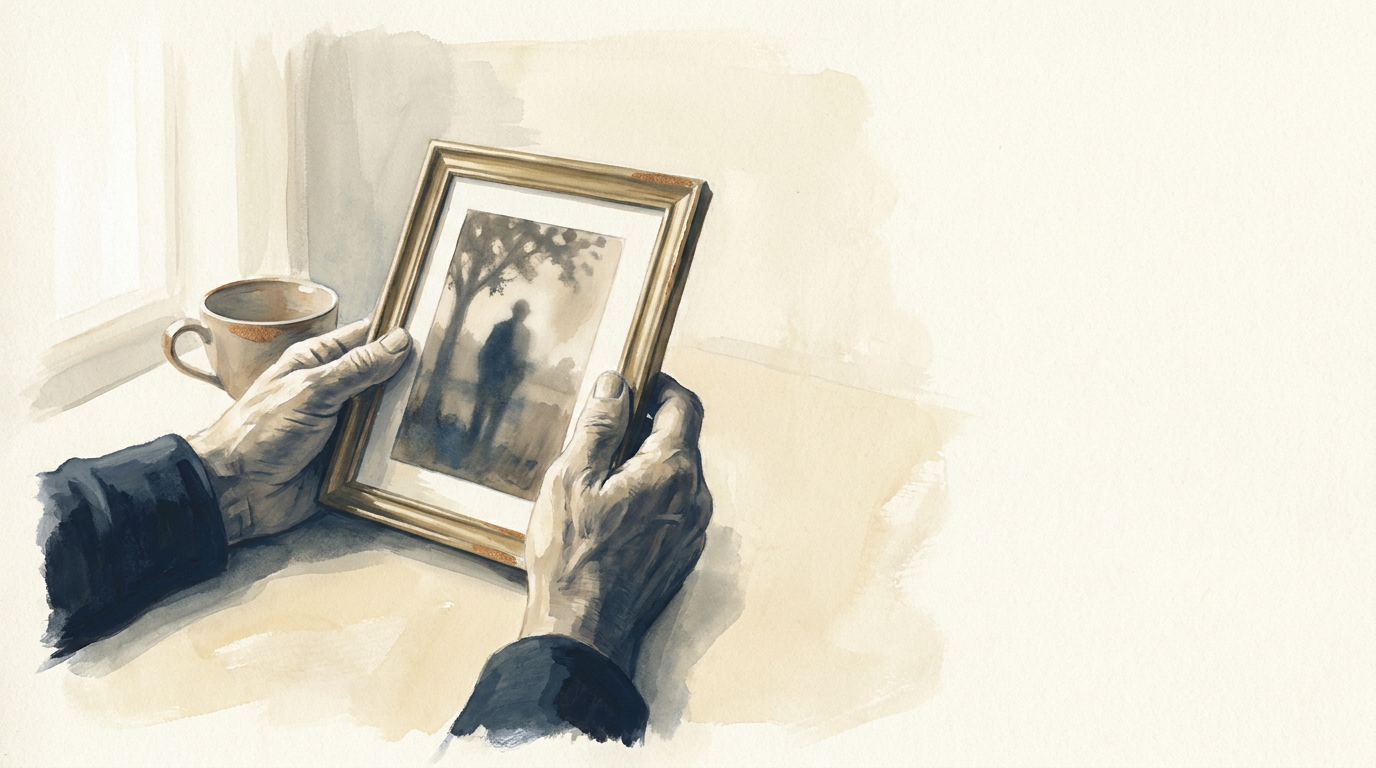
Creating a funeral slideshow is a thoughtful way to honor a loved one, offering a visual narrative of their life for friends and family gathered to remember them. This guide addresses common questions about length, how to arrange photos effectively, and the role of captions in making your tribute truly resonant.
Determining the Ideal Length for Your Funeral Slideshow
The optimal length for a funeral slideshow is typically between 5 to 8 minutes. This duration allows for a comprehensive yet focused presentation without becoming overly long for an audience often experiencing deep emotions. A shorter slideshow can be replayed if desired, providing additional opportunities for quiet reflection before or after a service.
Consider the context of the service. If it's part of a larger memorial event with many speakers and elements, a shorter slideshow might be more appropriate. For a more intimate gathering where the slideshow is a central component, you might extend it closer to the 8-minute mark. Aim for a pace that allows viewers to absorb each image without feeling rushed, typically 5-7 seconds per photo.
Thoughtful Photo Order and Selection
Arranging photos chronologically often creates a natural, easy-to-follow narrative, allowing viewers to witness a life unfolding from childhood through adulthood. However, a purely chronological order isn't the only option. You might consider organizing photos around themes or significant life stages.
Here are some approaches to photo order:
- Chronological Journey: Begin with early childhood photos, move through school years, early career, family life, and conclude with more recent images. This offers a clear progression and helps everyone understand the arc of their loved one's life.
- Thematic Groupings: If the person had distinct passions or roles, you could group photos around these themes. For example, a section on their love for nature, another on their professional achievements, and a third on their joy with grandchildren. This approach can highlight different facets of their personality.
- Key Relationships: Focus on different relationships, showing photos with family members, friends, colleagues, or community groups. This emphasizes the impact they had on others.
- Blended Approach: A mix of chronological and thematic elements can also be very effective. Start with early years, then introduce thematic sections for middle life, and conclude with recent family photos.
When selecting photos, prioritize clarity and emotional resonance. Look for images that capture genuine moments, evoke strong memories, or show the person's character. A variety of settings and people will paint a richer picture. While many photos might bring comfort, a curated selection of 50-80 images is usually sufficient for a 5-8 minute slideshow.
Crafting Meaningful Captions
A memorial wall for someone you miss. Photos, stories and greetings from everyone who knew them, in one calm place.
Captions add depth and context to your photos, transforming a collection of images into a compelling story. They can remind viewers of specific moments, share anecdotes, or simply identify people and places. Short, concise captions are often best, allowing the image to remain the primary focus.
What to include in captions:
- Dates and Locations: "Summer 1985, Lake Tahoe" provides context.
- Names: Identifying other people in the photo, e.g., "With their sister, Sarah, and nephew, David."
- Brief Anecdotes: A very short story or a description of the moment, e.g., "Celebrating a favorite birthday at home" or "Their joy after completing the marathon."
- Quotes: A short, meaningful quote from or about the person.
Avoid overly long or complex captions that distract from the visual. Remember that viewers will have limited time to read each caption as the slideshow progresses. Keep them legible, using a clear, easy-to-read font.
Music Selection for Your Slideshow
Music plays a crucial role in setting the tone for your slideshow. Choose pieces that were meaningful to your loved one, or selections that evoke a sense of peace, reflection, or the joy they brought to others. Instrumental pieces can allow the images and captions to speak more clearly, while songs with lyrics can add another layer of personal meaning if chosen carefully.
Ensure that your music selection matches the length of your slideshow, or prepare to fade tracks in and out gracefully. Typically, 2-3 songs are sufficient for a 5-8 minute presentation.
Preserving These Memories Beyond the Service
Once the service has concluded, the slideshow offers a beautiful, consolidated tribute that you may wish to keep accessible. Many families find value in collecting family memories together in a digital space where these photos and their accompanying stories can be preserved safely for generations.
After creating your slideshow, consider placing these carefully selected photos, along with their meaningful captions and any shared stories, onto a MemWall memorial page. This ensures that the visual narrative you've so thoughtfully created remains available for family and friends to revisit, share, and contribute to long after the service. It serves as a lasting digital legacy, offering comfort and remembrance.
Remember, while this article offers general guidance on creating a funeral slideshow, specific needs can vary. This information is not legal advice, and it's always wise to consider what feels most appropriate for your family and cultural traditions.